

CodeKids: a headless kids' coding academy — one Next.js storefront over a WordPress API, one family account across every location
CodeKids teaches children to code — Minecraft, Python, Roblox, Scratch, web, AI and more — through courses at several UK locations and online. We built it headless: WordPress does data, commerce and admin; the entire experience families and staff touch is a modern Next.js app.
A kids' coding academy across a network of locations
CodeKids runs courses at Central London, Surrey, Blackheath, Bexley, and online. That sounds like a normal course-booking site until you look closely — a booking flow for kids' courses across a network of locations isn't something you can buy off the shelf.
So we built it headless
WordPress does what it's genuinely good at — data, commerce and admin — but it's API-only; the entire experience customers and staff actually touch is a separate Next.js application. That split gave CodeKids a fast, on-brand product while keeping a familiar commerce backend underneath.
A modern app on a familiar backend
From passwordless sign-in and a cookie-free cart to a headless course-builder and a single branded back-office for the whole network.
A headless architecture: Next.js over a framework-style WordPress API
The customer storefront and the staff back-office are one modern Next.js application; WordPress sits behind it purely as an API and admin backend. We didn't scatter one-off WordPress endpoints around — we built a proper framework-style API layer inside WordPress, with clean routing, validation and predictable responses. The result behaves like a real application, not a pile of plugins.
One network, many locations — one family account everywhere
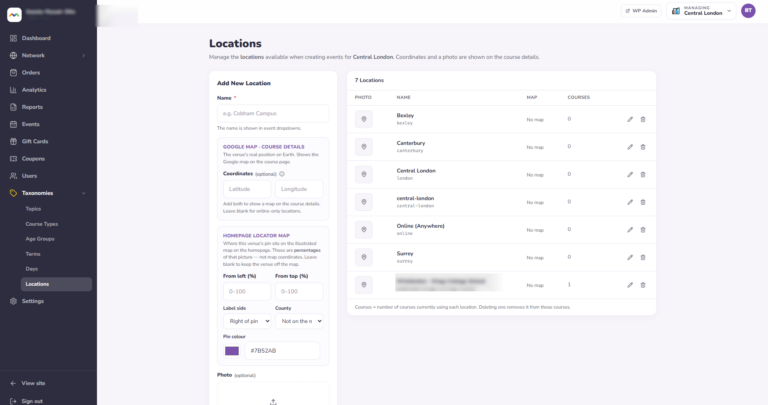
CodeKids runs as a single multisite network: a marketing main site, plus a selling site per location, each with its own catalogue and orders. But customers never feel the seams. A parent's account — and their children — exist across every location, so one login works whether they're booking in Central London or online, with a friendly 'your cart is saved' nudge when switching. The homepage pulls upcoming classes from every location into one place.
Passwordless sign-in built for busy parents
Parents sign in the easy way: a 6-digit code emailed to them, a password if they prefer, or — best of all — automatically, right after they check out, so a first-time buyer lands in their account without ever creating a password. Sign-in is rate-limited and bot-protected, and children's records can never be logged into.
A structured course catalogue you manage without touching WordPress
Kids' courses have a lot of structure — topic, age group, term, day, location, a week-by-week syllabus, skills, FAQs, badges and multiple dated sessions. We modelled all of it, gave parents a rich catalogue they can filter by topic, age, day, term, location and course type, and gave staff a full course-builder inside the app so they create and edit courses — sessions, pricing, syllabus and all — without ever opening WordPress.
A cookie-free cart and a guided checkout — each course assigned to a child
Booking is a guided, multi-step flow that fits how parents actually buy: choose details, assign each course to specific children, apply discounts, review, and pay by card. Two pricing rules that don't exist in stock commerce are built in: a bundle discount when a parent books a whole multi-session course at once, and optional before-school drop-off / after-school pickup care as a per-session add-on, priced per location. Parents can check out as guests and still end up with an account tied to their order.
Card payments and a real gift-card program
Payments run through Stripe in the headless flow, and we added gift cards as a first-class product. Anyone can buy one without an account, enter the recipient's details, and on payment a unique one-time code is generated and emailed to the recipient, who applies it at checkout.
A parent dashboard and real child records
Parents get a self-service dashboard with four areas — orders (per location), profile, billing, and children. Each child is a real record (name, date of birth, skill level, medical notes) that can be assigned to bookings, but has no login of its own; each child's email is a forwarding alias of the parent's, so anything sent about a child reaches the parent, who stays fully in control.
One branded back-office for the whole network
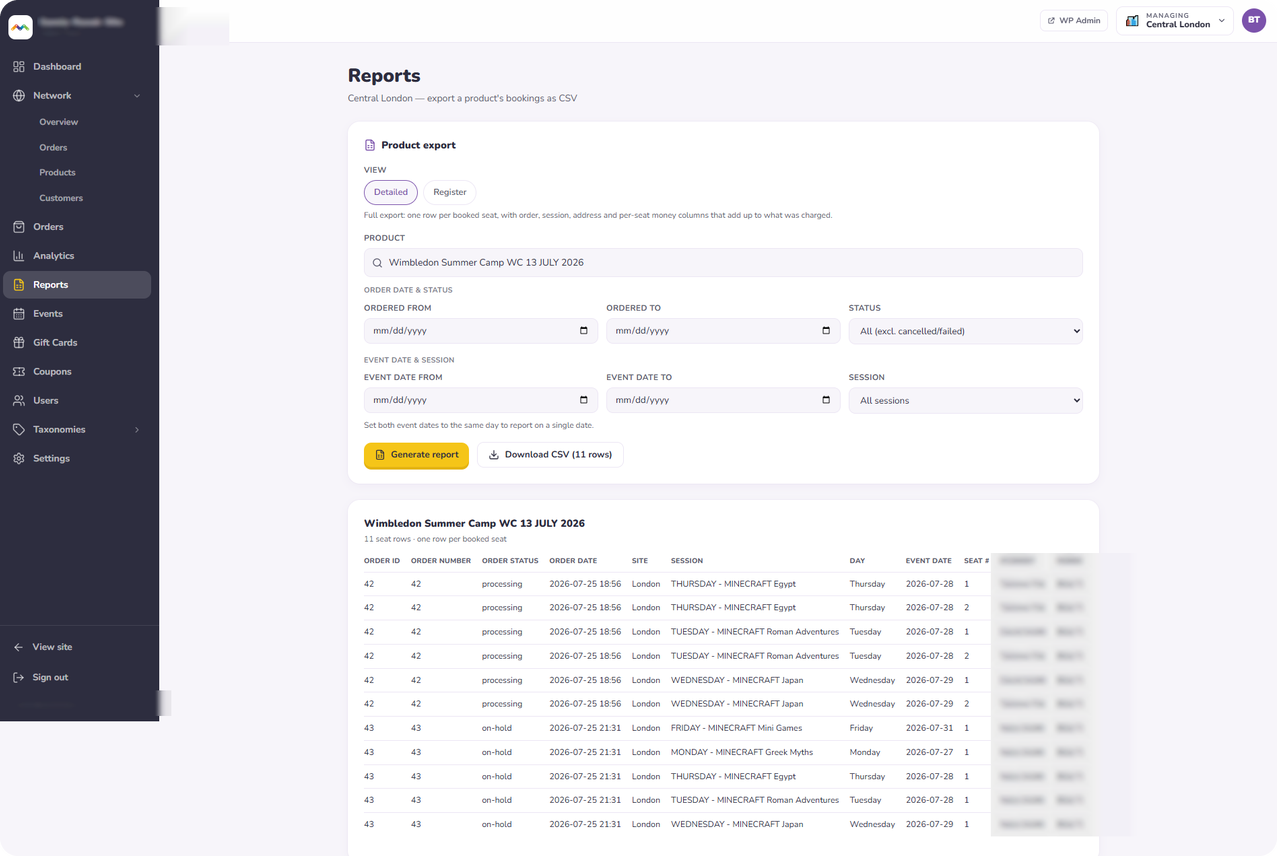
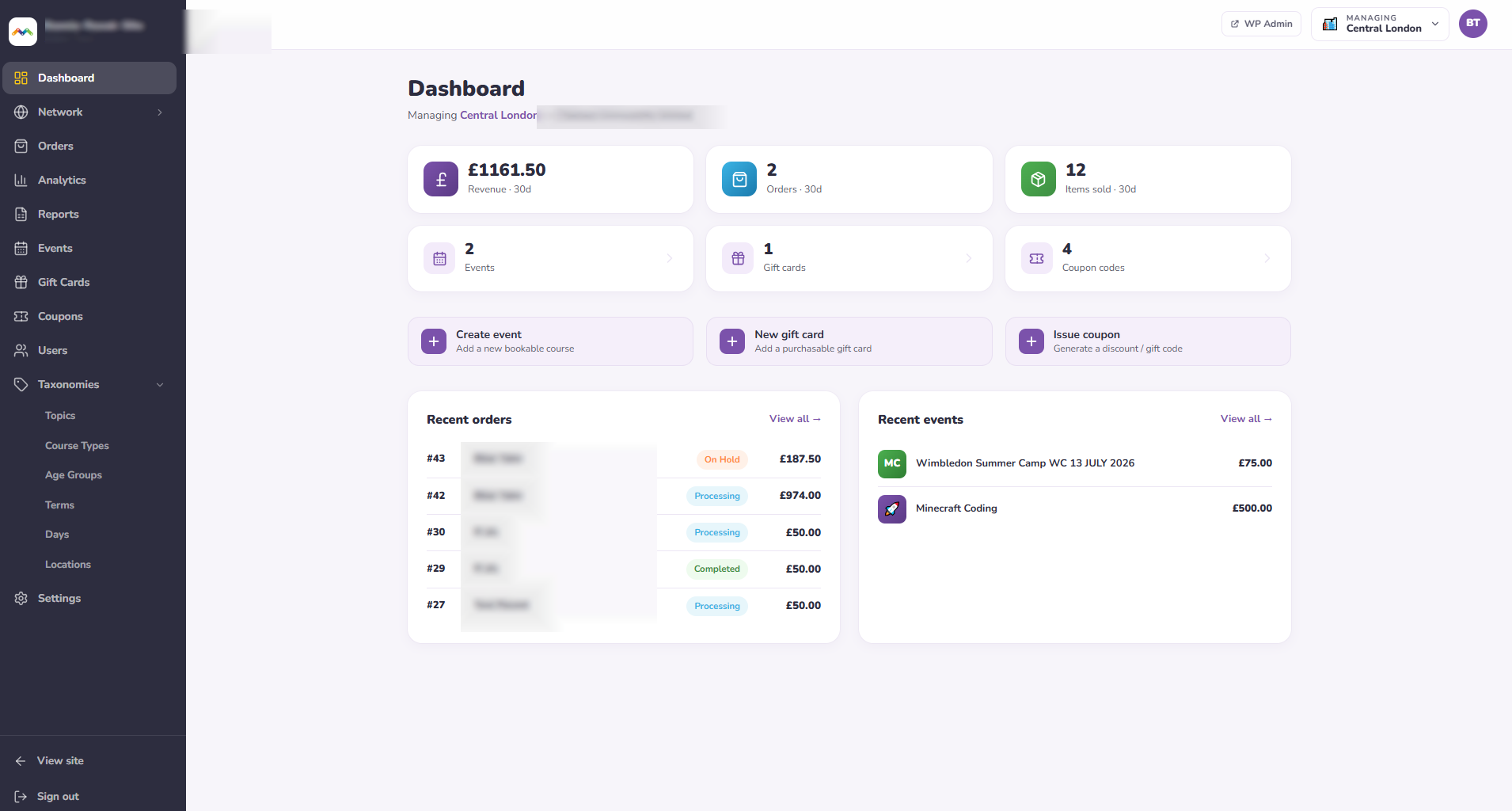
Staff don't hop between WordPress sites to run the business. We built a single branded admin console inside the same app: a dashboard of recent revenue, orders and items sold; order management with creation, editing and refunds; catalogue, coupon and gift-card management; user management with parent/child links; and revenue analytics — all scoped to the locations each staff member is actually allowed to manage.
Behind the scenes: editor-friendly content and production-grade delivery
The marketing homepage and contact form are fully editable by non-technical staff in WordPress, then rendered by the app — with spam protection built in. And the whole two-part platform runs as a reproducible, containerised stack that deploys cleanly, with an automated end-to-end test suite exercising the critical journeys: sign-in, booking, cross-location cart, full orders and gift cards.
A look at what shipped
The console the network is run from, day to day.
What we built it with
The major platforms behind this project — chosen to fit the customer's existing stack, and handed over in full at the end.


Representative of this engagement. We pick tools to fit your stack and your people, not the other way round.
Where it stands
Capability summary — ask us for current enrollment and booking figures on this engagement.
Want a headless WordPress build that feels like a real app?
A fast, modern Next.js frontend over a clean, structured WordPress/WooCommerce API — we've shipped a big one, wired together and running in production.
If that's what you're trying to build, you're one conversation from a head start.